Workflow Engine
The Workflow Engine runs platform workflows in Witboost.
A workflow type is a workflow made available by the platform. It defines what the workflow does, when it can start, and which actions it can perform.
Platform administrators do not create workflow types. They create configurations that decide where and how an available workflow type runs.
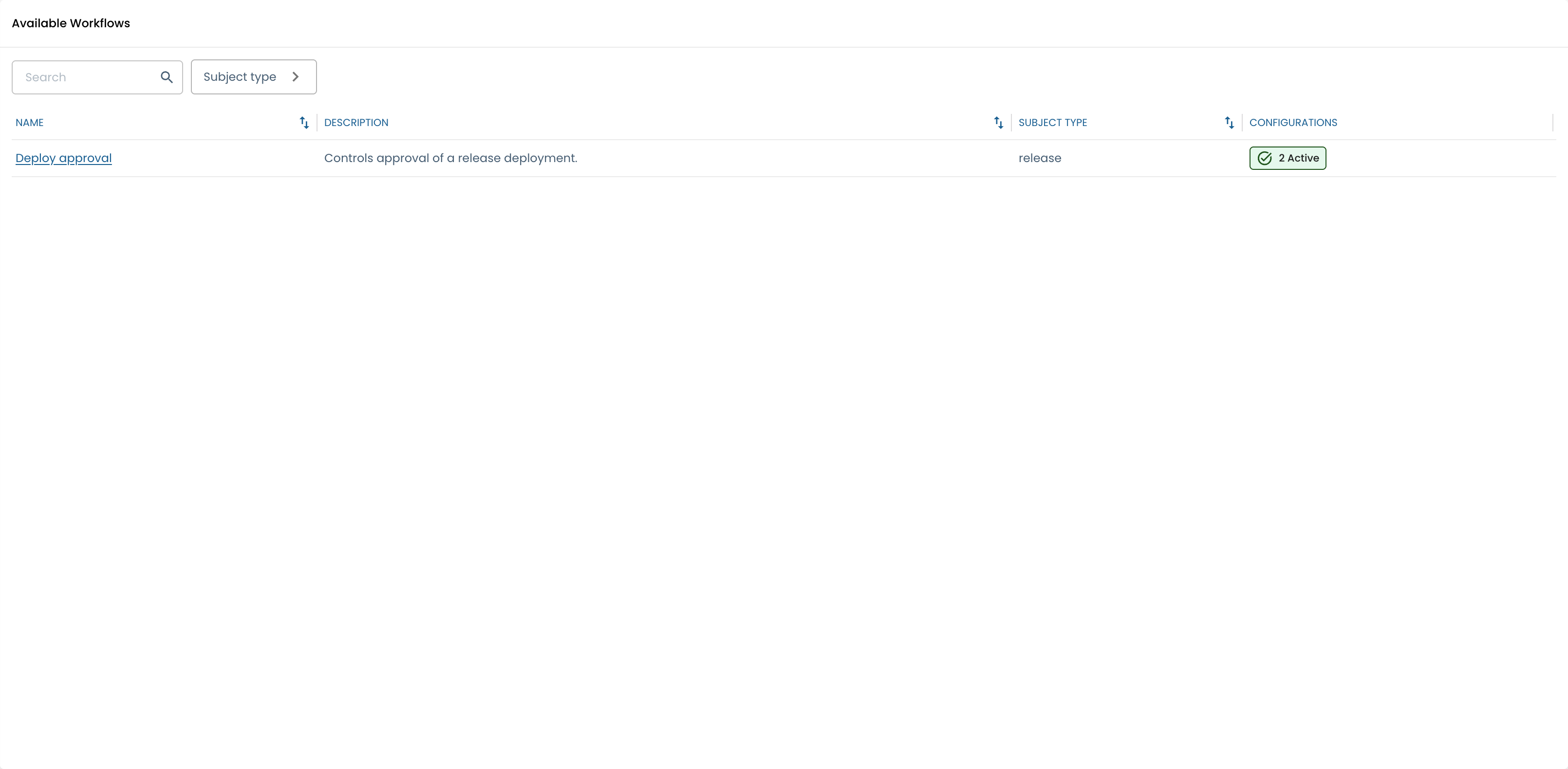
For example, Deploy Approval is an available workflow type. An administrator can configure it so that deployments to production require approval, while deployments to development do not. Each time a production deployment triggers that rule, Witboost starts a new workflow instance for that specific request.
Architecture model
The Workflow Engine separates the workflow types provided by the platform from the configurations managed by administrators.
| Record | Owner | Purpose |
|---|---|---|
| Workflow type | Platform | An available workflow, including the kind of resource it applies to, how it starts, and its default behavior. |
| Configuration | Administrator | A setup created by an administrator that decides whether the workflow is enabled and when it should be used. |
| Configuration version | Administrator | A saved version of a workflow definition. |
| Workflow instance | Runtime | A single workflow run, with its current status and history. |
Administrators cannot create arbitrary workflow types from the UI. Adding a new workflow type requires the platform to provide and register it first.
Using the same example:
- Workflow type: Deploy Approval as a workflow available in the platform.
- Configuration: a rule such as "require approval for production deployments".
- Configuration version: the saved version of that rule and its workflow behavior.
- Workflow instance: one specific approval request created for one deployment.
How a workflow starts
When a triggering event happens, the engine:
- Selects the workflow type associated with the event.
- Identifies the resource the workflow should act on and collects the information needed to evaluate it.
- Loads the enabled configurations that have a published version.
- Checks which configurations apply to that case.
- Selects the matching configuration with the highest priority.
- Starts a workflow instance using the selected configuration version.
If no configuration matches, the workflow does not start. Once a workflow has started, it keeps using the same configuration version until it ends.
Routing and versioning
Configurations let administrators control where a workflow starts without changing workflows that are already running.
- Priority and activation scope are mutable configuration routing settings. A change affects only future workflow starts.
- Workflow definitions are versioned. Editing a definition creates or updates a draft; publishing makes that version available for future workflow starts.
- Existing instances retain their version. They also record the selected priority and activation scope used when they started.
If more than one configuration matches, the one with the highest priority is used.
Runtime states
Instances are presented as:
- Pending when active and progressing normally;
- Blocked when the workflow cannot continue until an issue is resolved or an action is completed;
- Completed when the workflow reaches its final outcome;
- Cancelled after an administrator terminates an active instance.
The instance history shows what happened during the workflow run. If an action fails, the workflow is blocked so it can be reviewed or resumed without losing its latest valid state.
Permissions
Workflow administration is intended for platform administrators. The relevant permissions are:
workflow-engine.definition.viewto view configurations and versions;workflow-engine.definition.manageto create, edit, enable, publish, archive, or purge configurations and versions;workflow-engine.instance.viewto inspect workflow instances.
See Workflow Engine permissions for permission assignment.