Exploring the Business Concept Map
This guide demonstrates how to use the Business Concept Map in Witboost to explore business concepts and discover the data products associated with them. It uses a Human Resources business glossary as an example.
1. Business Concept Map Overview
The Business Concept Map provides a flexible, non-technical representation of business concepts and knowledge. This example uses a taxonomy defined with SKOS, but other ontology formats are also supported.
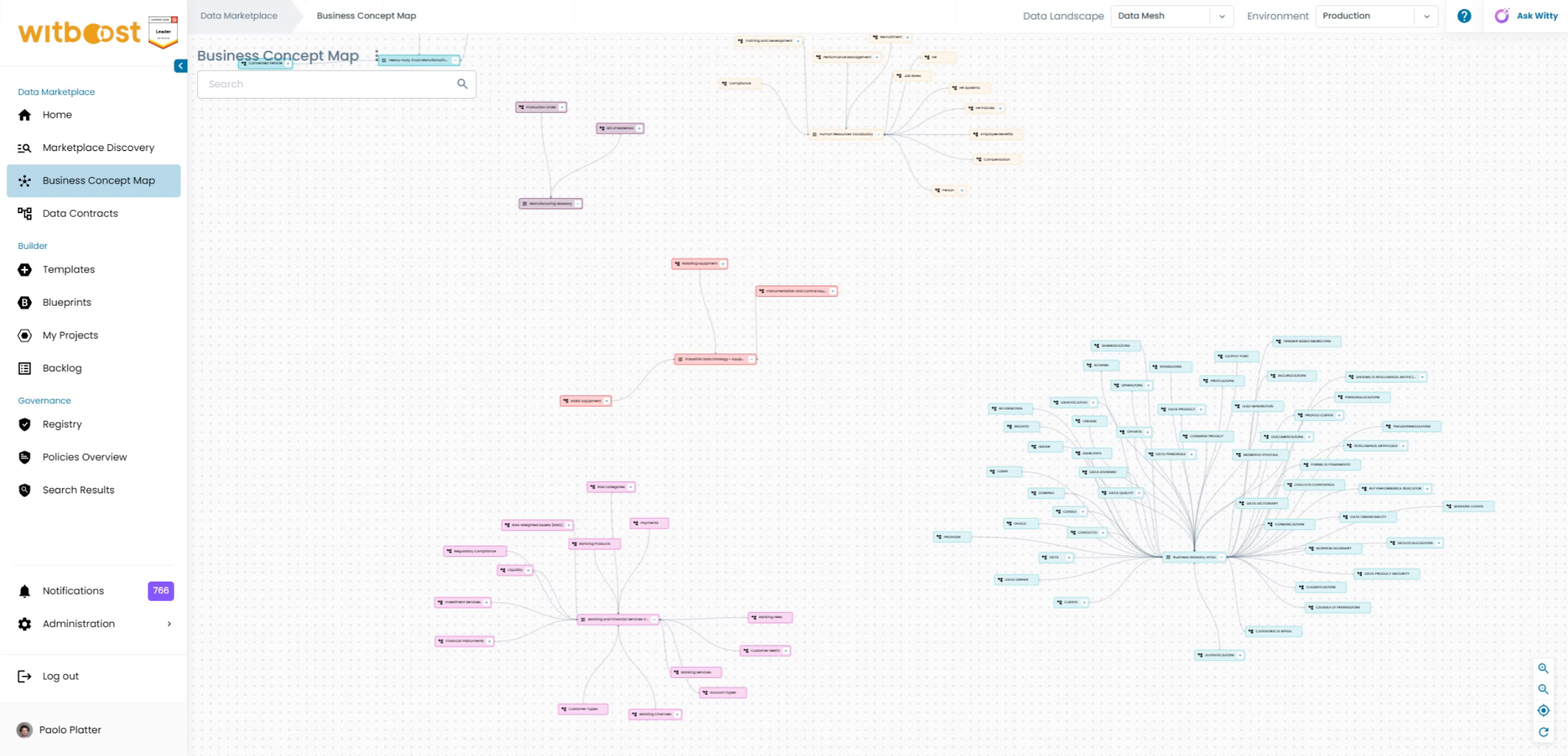
2. Predefined Mappings
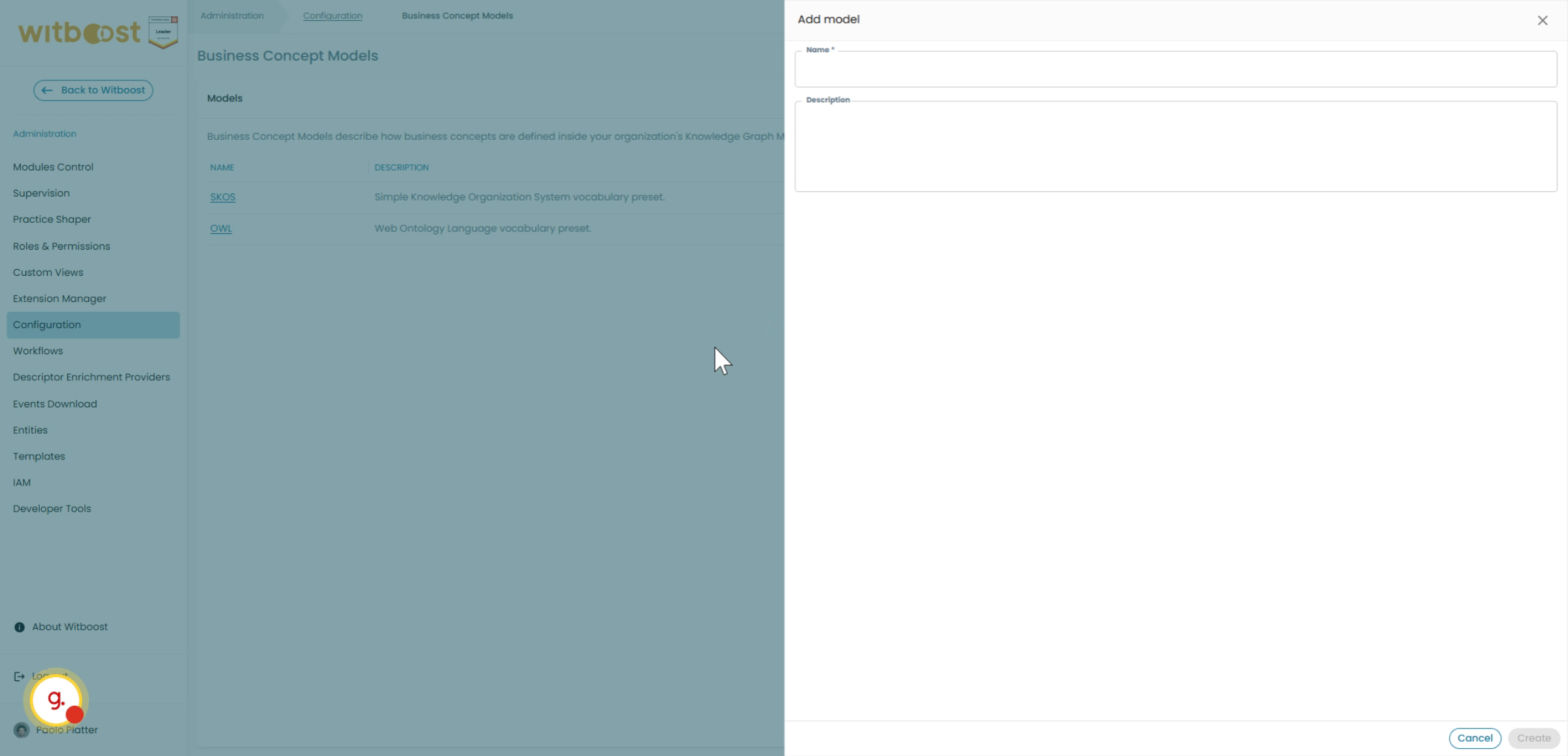
In the Administration area, you can view the predefined mappings provided by Witboost for taxonomies and ontologies based on open standards such as SKOS and OWL.
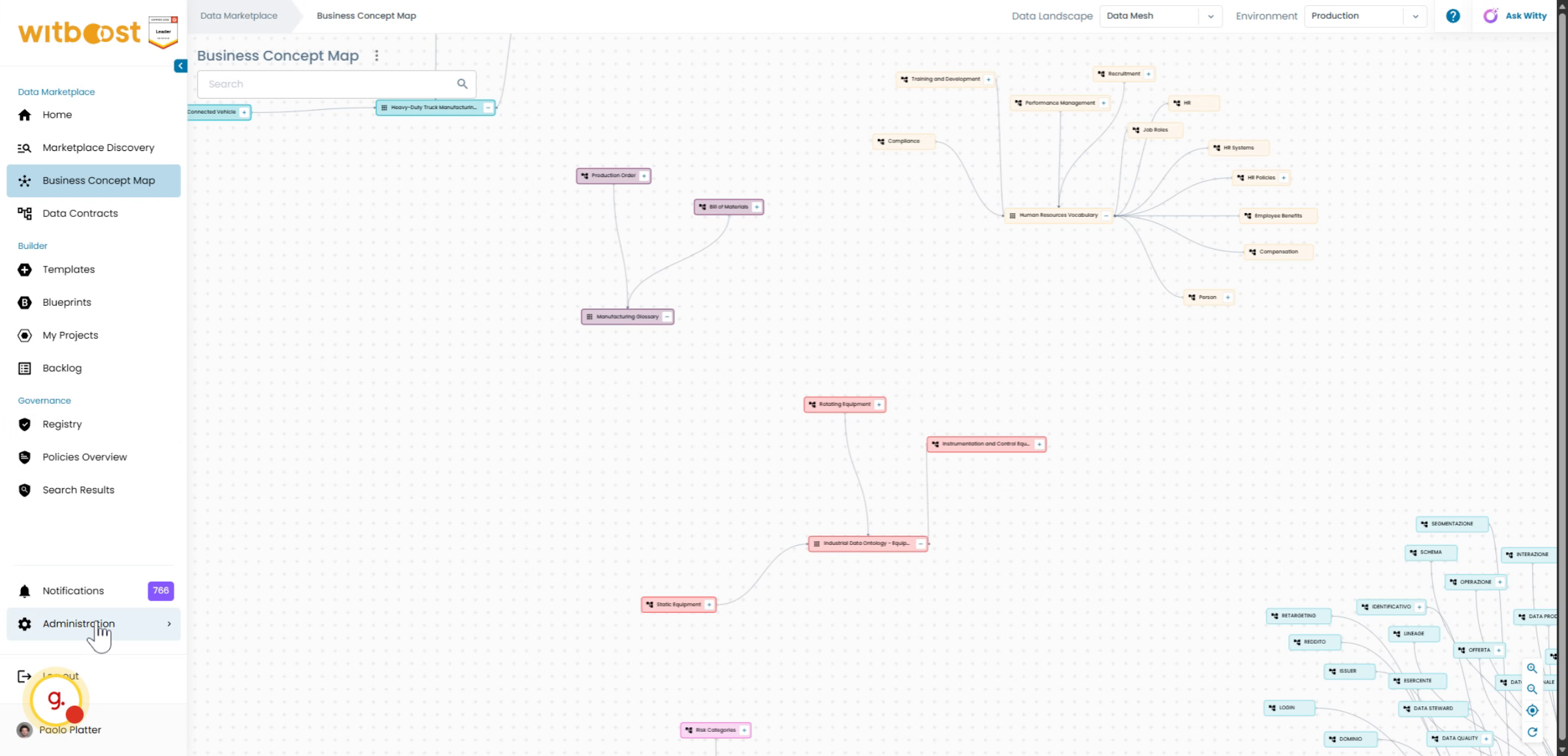
3. Simplified Visualization
Witboost represents business concepts as a graph. The mappings simplify the underlying ontology so that users can explore concepts and their relationships without needing to understand the technical representation.
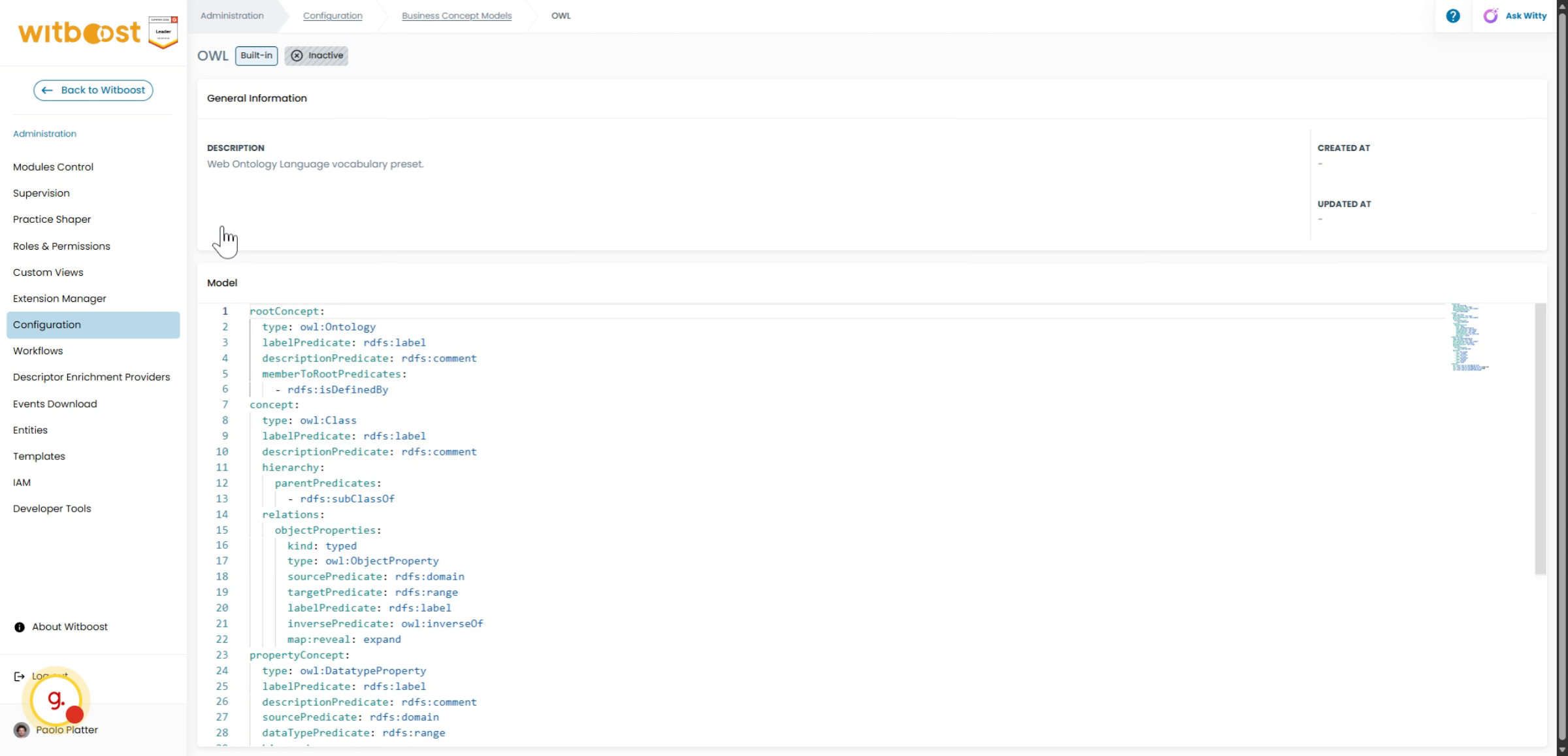
4. Custom RDF Configurations
Multiple configurations can be added to support custom RDF grammars and other ontology formats.
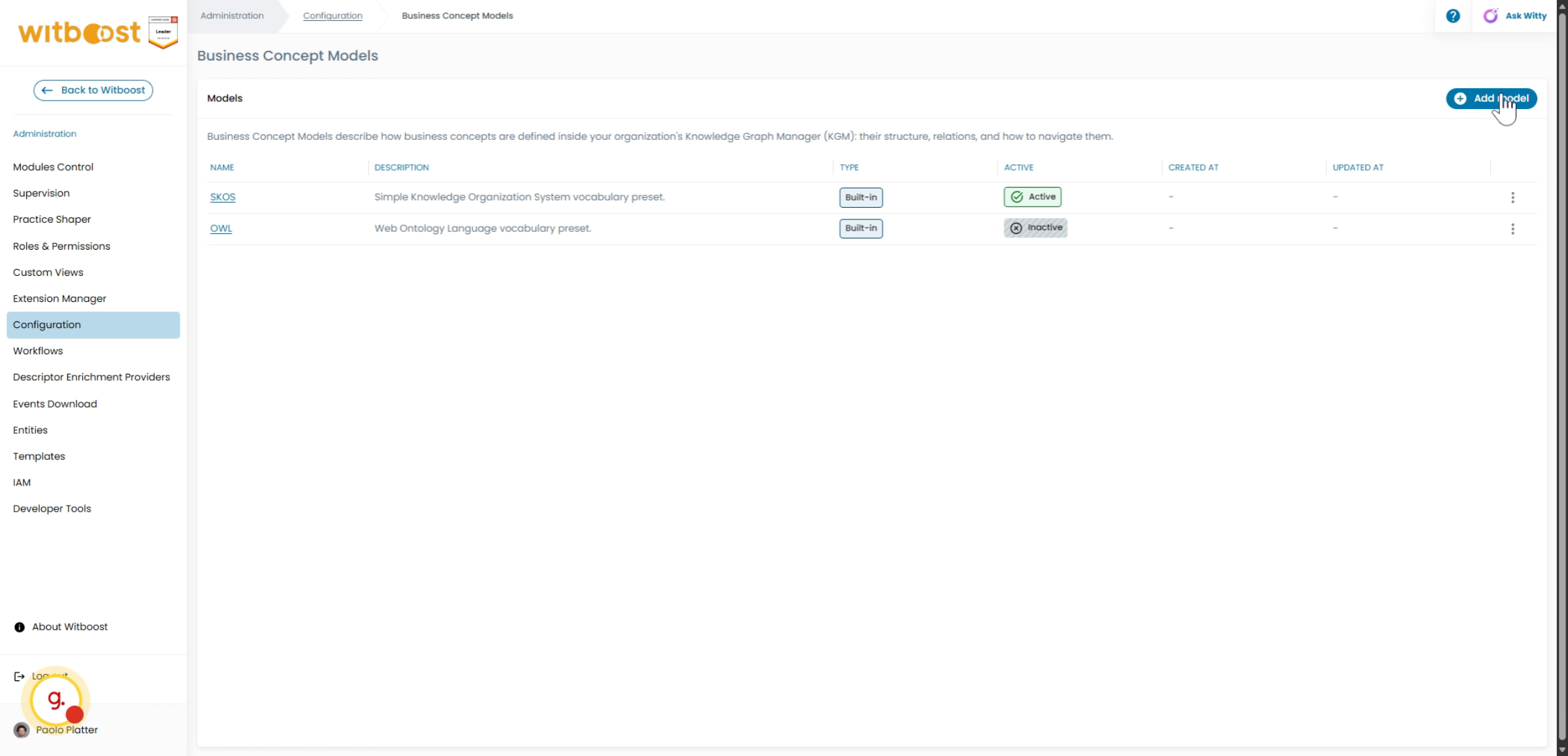
5. Search for Business Concepts
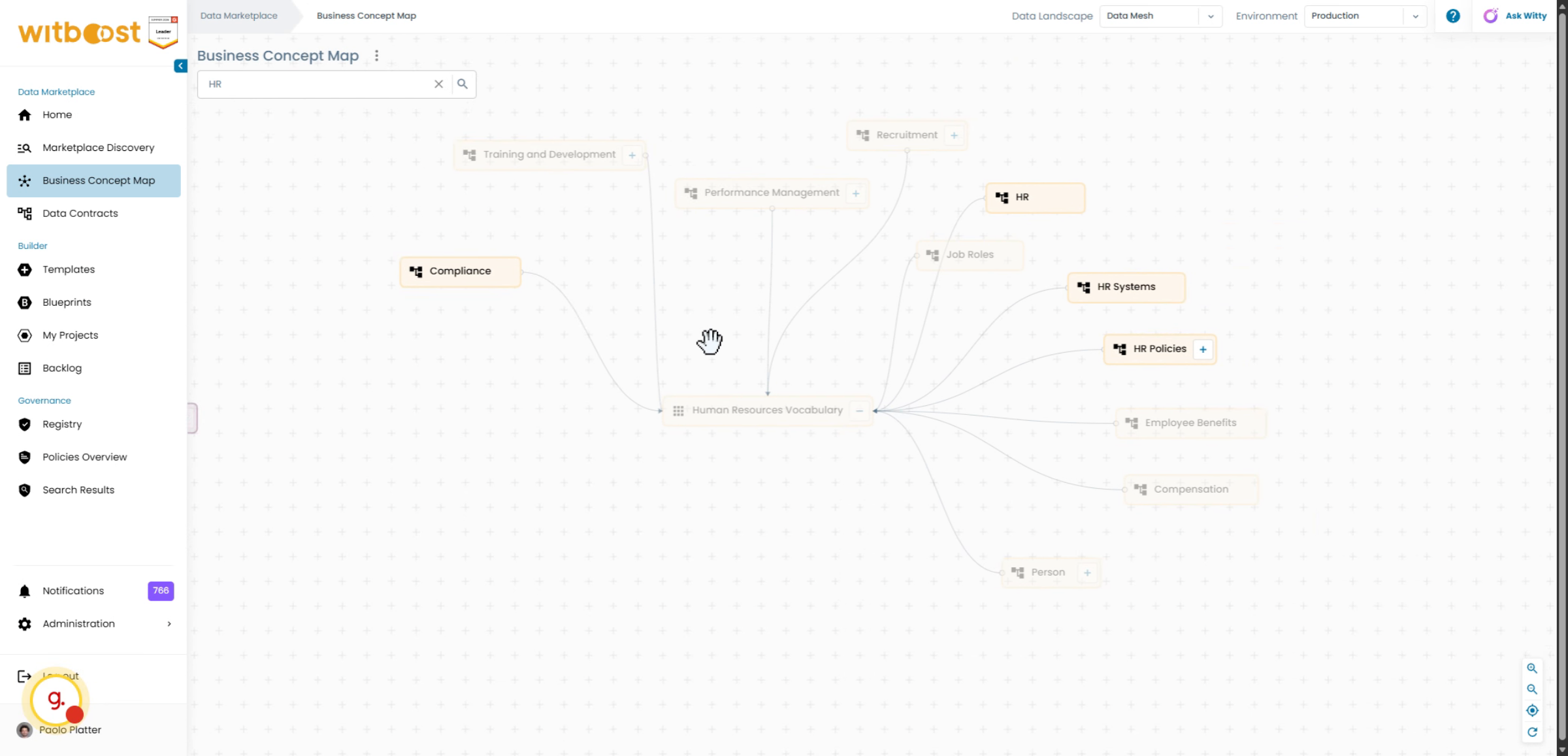
Open the Marketplace to browse and search the ontology. Search for "human resources" to find the business glossary used in this example.
6. Navigate the Business Glossary
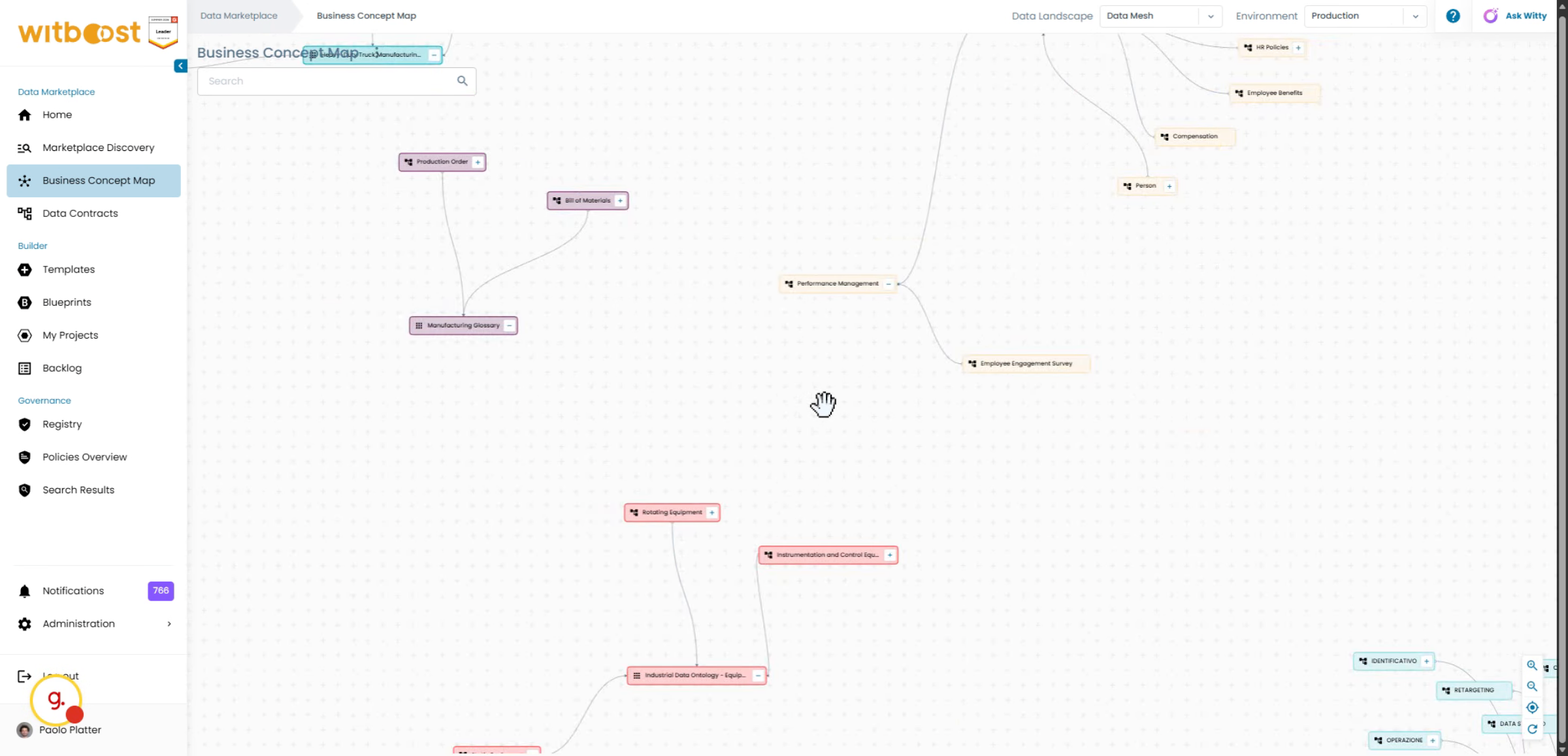
Explore the Human Resources glossary by navigating through its hierarchy of business concepts.
7. View Connected Products
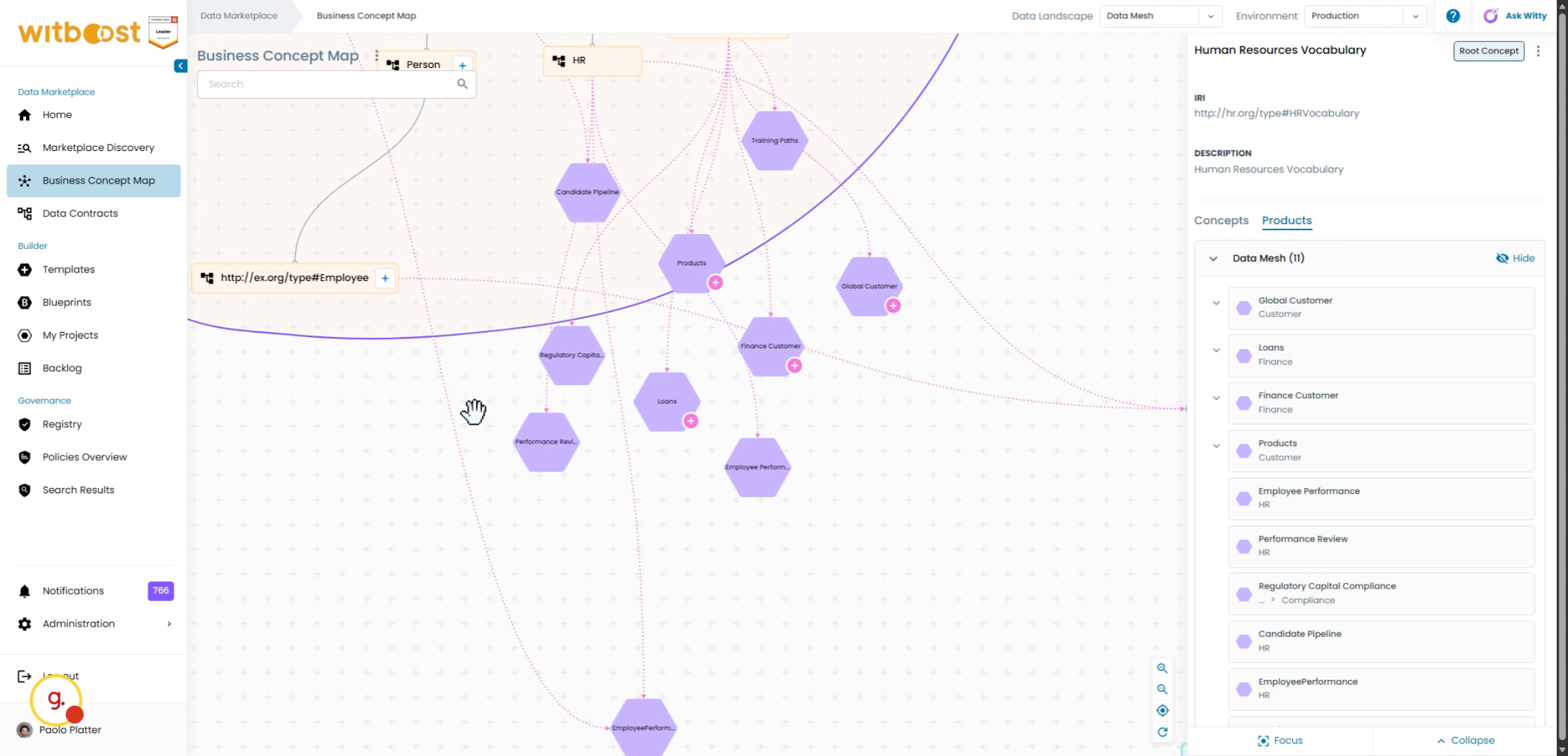
View the products connected to a business concept to understand how the glossary relates to the available data.
8. Inspect Data Product References
Inspect the references to see which data products and output ports are associated with a specific business concept.
9. Explore Concept Details
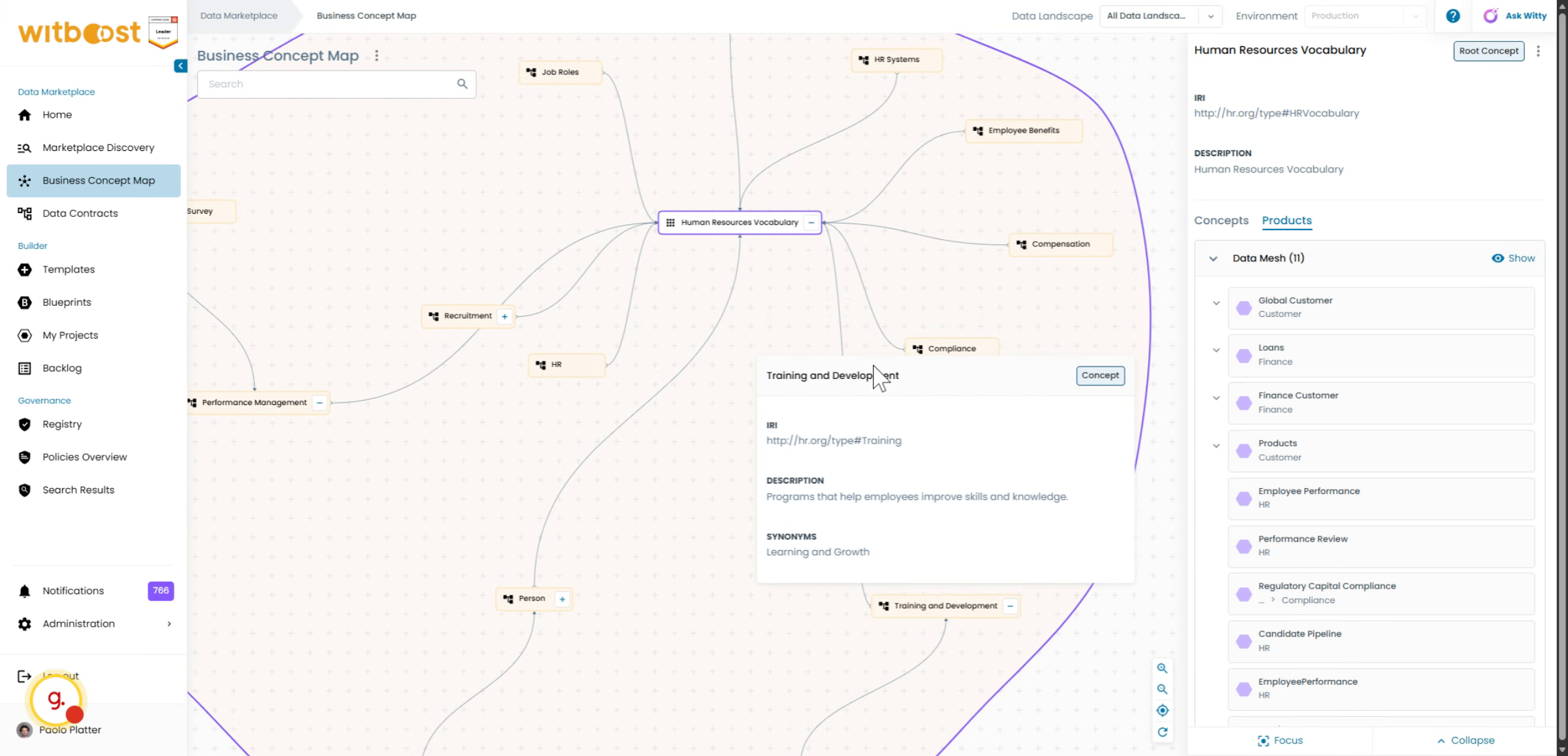
Each concept exposes the details defined in the ontology, including object and value properties, synonyms, descriptions, translations, and hierarchical or associative relationships.
10. Explore an OWL Ontology
Witboost can also provide a simplified visualization of an OWL ontology, making its concepts and relationships accessible to business users.
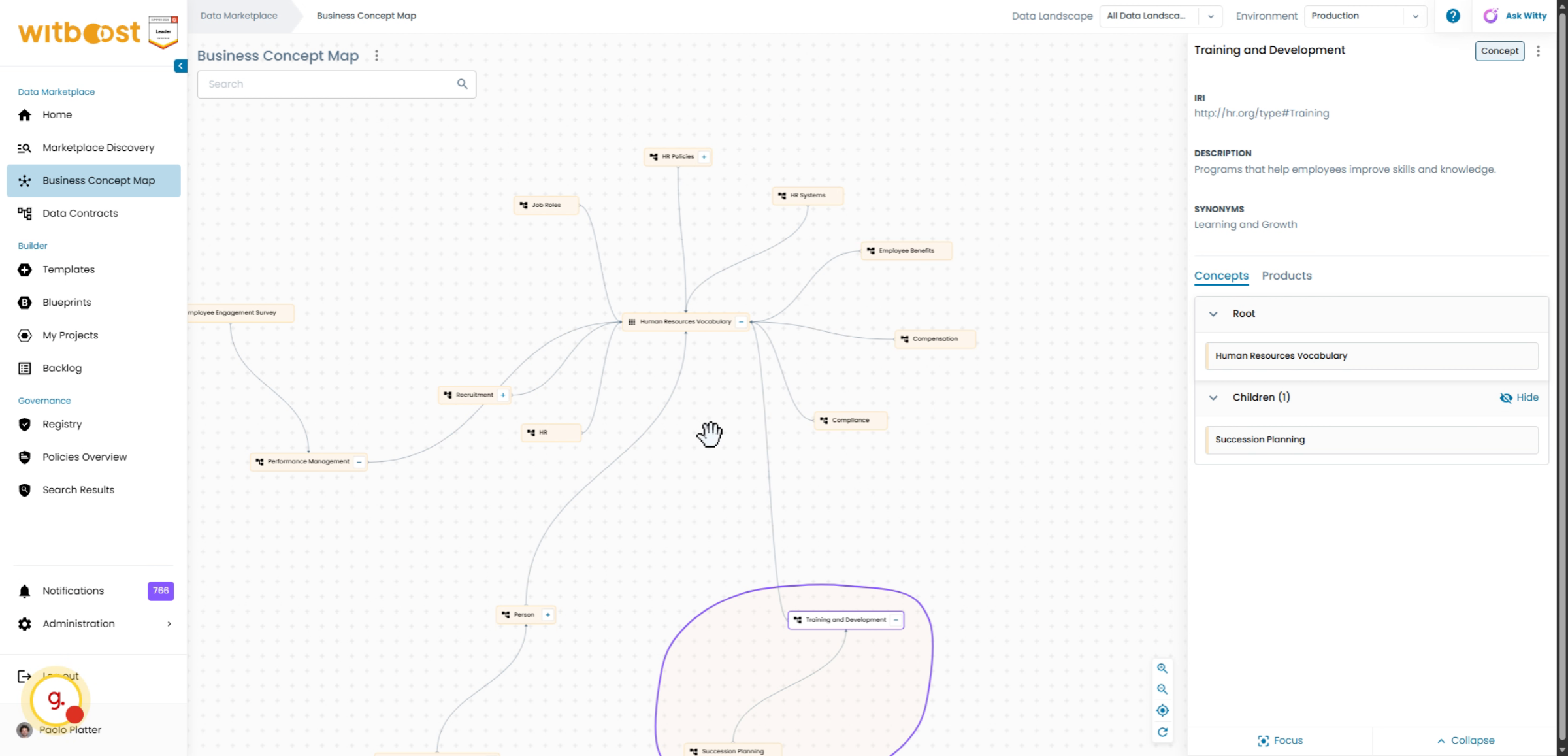
This tutorial demonstrated how to browse business concepts, explore their relationships, and discover the data products and output ports that reference them.