Semantic Search
The Marketplace supports semantic search, which uses embeddings to improve search result relevance beyond keyword matching. Currently the semantic search is used by Witboost MCP Server to enhance search results in the Marketplace. Check the documentation for more information about the Witboost MCP Server.
Configuration
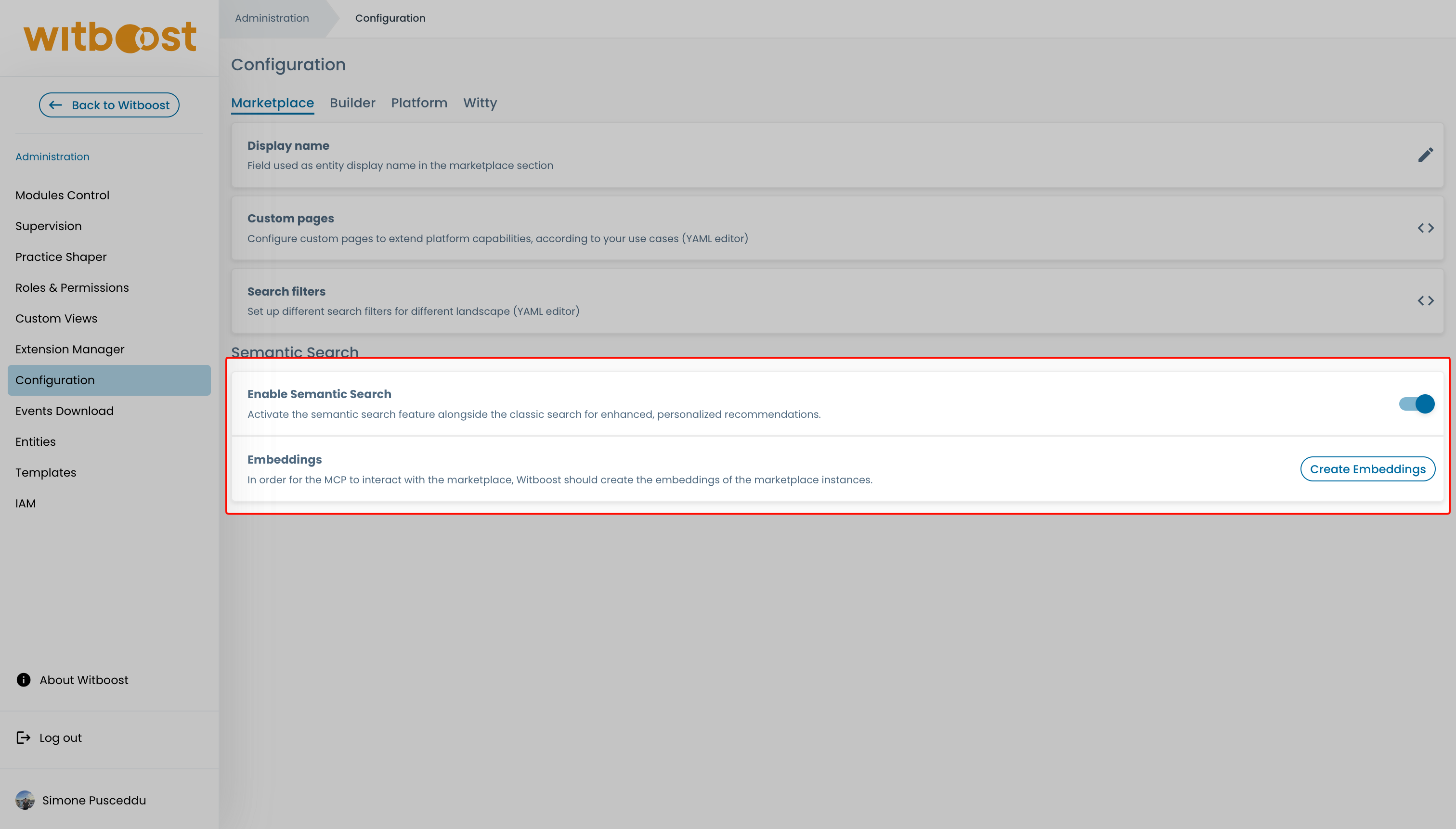
Navigate to Administration > Configuration > Marketplace to manage semantic search settings.
Enabling Semantic Search
A toggle controls whether semantic search is active across the Marketplace. This setting corresponds to the marketplace.embeddingSearch.enabled dynamic configuration key.
Semantic search requires the Witty embedder to be configured first. If no embedder is configured, the Create Embeddings button will be disabled. See Configure embedder model for setup instructions.
Creating Embeddings
The Create Embeddings button generates vector embeddings for all Marketplace entities. This must be run at least once for semantic search to become effective.
- The button is disabled if no Witty embedder is configured.
- Clicking the button triggers an asynchronous operation. The UI shows a loading indicator followed by a success or error message.
- The operation is idempotent — it is safe to run multiple times without side effects.
The Marketplace reads the embedder model configuration directly from Witty. There is no separate embedder configuration for the Marketplace.